Plan limit enforcement
What happens when you downgrade and exceed your new plan's limits — and how to use the enforcement wizard to bring your account back into compliance.
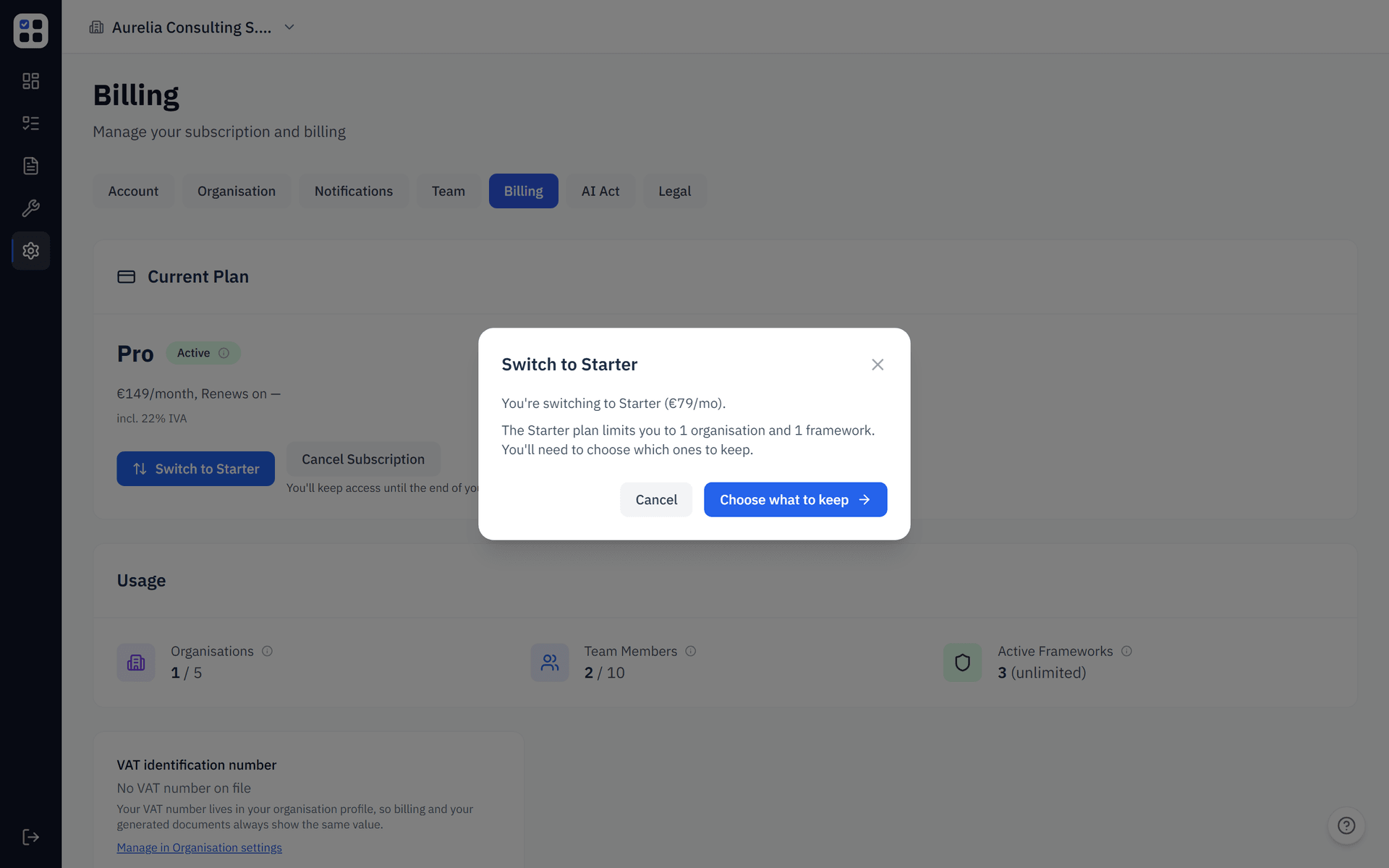
If you downgrade your plan from Pro to Starter, or your Pro plan ends and your subscription drops to Starter, you may end up with more organisations, team members, or frameworks than the new plan allows. ObligoBoard's plan enforcement wizard walks you through bringing your account back into compliance with your current plan.
You'll be redirected to Settings → Billing → Enforce automatically if any of your usage exceeds your plan's limits.
Plan limits at a glance
| Resource | Starter | Pro |
|---|---|---|
| Organisations | 1 | up to 5 |
| Team members per organisation | up to 5 | up to 10 |
| Active compliance frameworks per organisation | 1 | All available |
If your account exceeds any of these on your current plan, the enforcement wizard appears.
How the wizard works
The wizard has up to three sequential steps, depending on which limits you've exceeded.
Step 1 — Organisations
If you have more organisations than your plan allows (e.g. 3 organisations on Starter), this step appears first. You'll see a list of all your organisations and you must select which one(s) to keep within the plan's limit.
- Selected organisations remain fully active
- Unselected organisations are deactivated — their data is preserved but no one can access them until you upgrade again
Deactivating an organisation is reversible — upgrade your plan and the organisation reactivates with all data intact. But while deactivated, no team members can access it and no obligations are tracked.
Step 2 — Team members
If any of your kept organisations have more team members than your plan allows (e.g. 8 members on Starter, which allows 5), this step lets you select which members to remove.
- Removed members lose access immediately
- Their assigned obligations are reassigned to "Unassigned" and can be picked up by remaining members
- Removed members are not deleted from ObligoBoard — they keep their personal account but lose access to your organisation
Step 3 — Frameworks
If any of your kept organisations have more active compliance frameworks than your plan allows (e.g. 3 frameworks on Starter, which allows 1), this step lets you select which frameworks to deactivate.
- Deactivated frameworks are archived for that organisation, which hides their obligations from active tracking
- Existing evidence and historical records are preserved unchanged
- If you upgrade later, the same framework can be reactivated and its future periods will be seeded again
Completion
Once all enforcement steps are done, you'll see a confirmation screen and be redirected back to the Billing page. Your account is now within the plan's limits and works normally.
What if I don't complete the wizard?
The wizard blocks access to the rest of the app until you complete it. This is intentional — running over plan limits creates billing ambiguity and inconsistent behaviour, so we ask you to resolve it before continuing.
If you don't want to remove anything, you can upgrade your plan from the wizard and the enforcement requirements will clear automatically.