Risk Assessment & Scoring
Understand how your programme completeness score is calculated and how the assessment wizard shapes your obligation set.
Your programme completeness score is driven by the risk assessment you complete during onboarding. The assessment determines which frameworks apply to your organisation and generates the obligations you need to track.
The assessment wizard
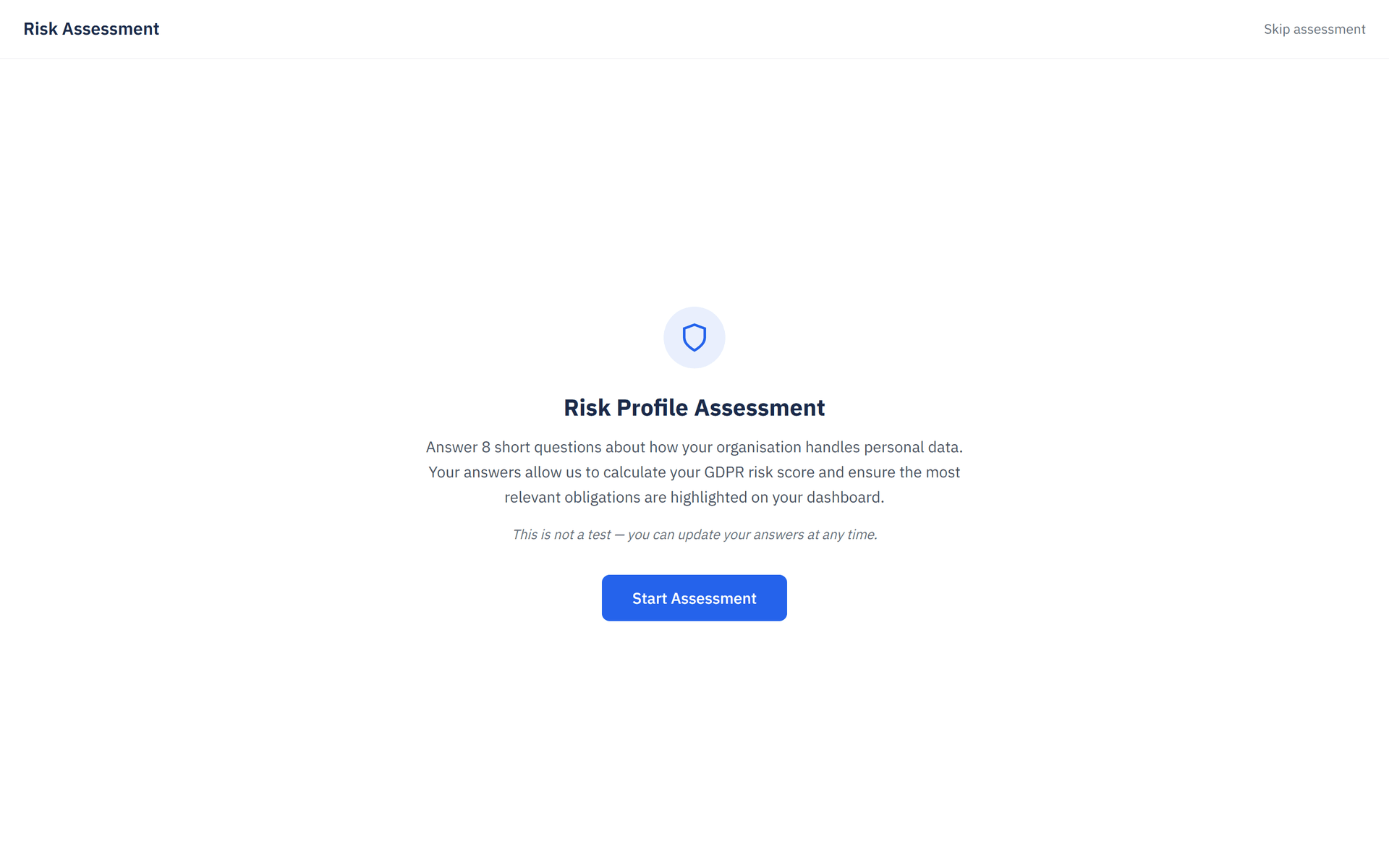
The assessment wizard asks 8 questions about your organisation's data processing profile. Each answer shapes which compliance frameworks are activated and which obligations are generated.
Data processing role
Are you a data controller, data processor, or both? This determines whether GDPR Basics, Data Processor obligations, or both framework sets are activated.
Organisation size
Small, medium, or large. Affects the scope and complexity of generated obligations.
Industry sector
Your sector (e.g. healthcare, finance, technology, retail) influences which domain-specific obligations appear.
Countries of operation
Where you operate determines jurisdiction-specific requirements. Selecting a country within the EU activates GDPR-related frameworks automatically.
Data categories processed
Whether you handle special category data (health, biometric, children's data) adds higher-risk obligations.
International data transfers
If you transfer personal data outside the EEA, additional transfer-mechanism obligations are generated.
Automated decision-making
Whether you use AI or automated profiling. Selecting yes activates EU AI Act Essentials.
Current compliance maturity
Self-assessed starting point — helps prioritise the order of obligations shown to you.
How the assessment drives framework activation
Your answers directly control which compliance frameworks are activated for your organisation:
| Answer | Framework activated |
|---|---|
| Controller | GDPR Basics |
| Processor | Data Processor Obligations |
| Both (controller + processor) | GDPR Basics + Data Processor Obligations |
| AI / automated decisions | EU AI Act Essentials |
Framework activation is automatic. You do not need to manually add frameworks after completing the assessment — they are seeded based on your answers.
Programme completeness score explained
Your programme completeness score is a number from 0 to 100 that reflects how far you have progressed through your active obligations, not a legal compliance determination. It is displayed prominently on the Dashboard.
How the score is calculated
The score combines two factors: the risk level of each obligation (high, medium, low) and its status. High-risk obligations contribute more weight to the score than low-risk ones — so completing a high-risk obligation moves your score more than completing a low-risk one.
Risk-level weights:
| Risk level | Weight |
|---|---|
| High | 3x |
| Medium | 2x |
| Low | 1x |
Status multipliers:
| Status | Multiplier |
|---|---|
| Completed (with evidence uploaded) | 1.0x (full credit) |
| Completed (no evidence) | 0.7x |
| In progress | 0.3x |
| Not started or Overdue | 0x |
| Skipped | Excluded from calculation |
Each obligation earns: risk weight × status multiplier. The score is the sum of earned points divided by the maximum possible points, multiplied by 100.
Multi-framework weighting
When you have multiple frameworks active, ObligoBoard weights GDPR Basics 2x compared to all other frameworks (1x). This reflects the real-world regulatory priority: GDPR carries the highest enforcement risk for most EU and UK SMEs.
Uploading evidence matters. A completed obligation without evidence counts for 70% of its possible weight. Attach supporting documents to reach full credit.
Your programme completeness score updates immediately when you change an obligation's status, upload evidence, or retake the assessment. The Score Breakdown panel on the Dashboard shows exactly how each framework and risk level contributes to your total.
The 4-band completeness system
Your score maps to one of four bands, each with a distinct colour indicator on the Dashboard:
| Band | Score range | Colour | Meaning |
|---|---|---|---|
| Critical | 0 -- 30 | Red | Programme largely incomplete — prioritise immediately |
| Needs Attention | 31 -- 60 | Orange | Major areas still incomplete — prioritise open obligations |
| On Track | 61 -- 85 | Amber | Good progress, but some gaps remain |
| Strong | 86 -- 100 | Green | Strong programme completeness — maintain and monitor |
Score Breakdown
Click the programme completeness score on the Dashboard to open the Score Breakdown slide-over panel. This view shows:
- Obligation Completion — explanation of the weighting formula ("Weighted by risk level — high-risk obligations count 3x, medium 2x, low 1x. Evidence upload gives full credit.")
- Per-framework progress — a progress bar for each active framework with the percentage completed (e.g. GDPR Basics 0%) and a count of completed vs total obligations
- Risk-level breakdown — for each framework, how many High Risk, Medium Risk, and Low Risk obligations are completed
- Risk Context — a collapsible panel listing the assessment factors that shaped your obligation set: Jurisdiction, Data Processing Role, International Transfers, Automated Decision-Making, Public-Facing Website, and Documentation Status. These factors influence which obligations exist but are not included in the score itself.
- Retake Assessment — a quick link to retake the 8-question wizard if your profile has changed
The Score Breakdown helps you identify exactly which framework or risk band is pulling your overall score down.
Retaking the assessment
You can retake the assessment at any time from Settings > Organisation > Retake Assessment.
Retaking the assessment may activate new frameworks or deactivate existing ones based on your updated answers. Obligations tied to a deactivated framework will be hidden but not deleted — they reappear if you reactivate the framework later.
When you retake the assessment:
- New frameworks are activated and their obligations are generated
- Frameworks no longer relevant to your answers are deactivated
- Existing obligation statuses and evidence are preserved
- Your programme completeness score is recalculated immediately
Special score states
Score of 0
A score of 0 means none of your obligations have been started or progressed. This is normal immediately after completing the assessment — start working through your obligations to see the score climb.
N/A (all skipped)
If every obligation is marked as Skipped, the score displays as N/A rather than a number. This indicates there are no active obligations to calculate a score from.